






Creating a home office that is both cozy and productive can make a big difference in your work-from-home experience. A well-designed workspace encourages focus, reduces stress, and helps maintain a healthy work-life balance. Whether you have a dedicated room or a small corner in your home, these tips will guide you in making your home office a comfortable and efficient place to work.
Choose the Right Location
Consider Natural Light
Natural light can boost your mood and energy levels. Select a spot near a window if possible, but avoid glare on your computer screen. If natural light is limited, invest in quality artificial lighting that mimics daylight.
Minimize Distractions
Pick a quiet area away from household traffic and noise. If this isn’t possible, noise-canceling headphones or white noise machines can help maintain focus.
Invest in Comfortable and Functional Furniture
Ergonomic Chair and Desk
Comfort is key for long hours of work. Choose an ergonomic chair that supports your back and encourages good posture. Adjustable desks or standing desks offer flexibility to change positions during the day.
Desk Layout
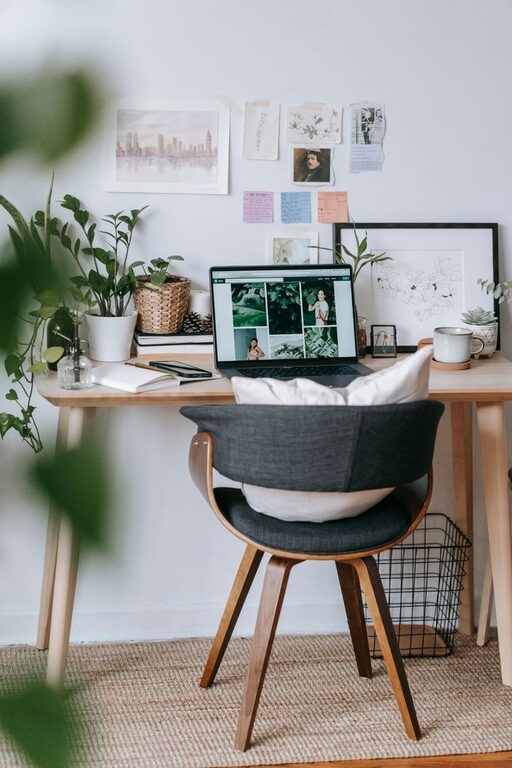
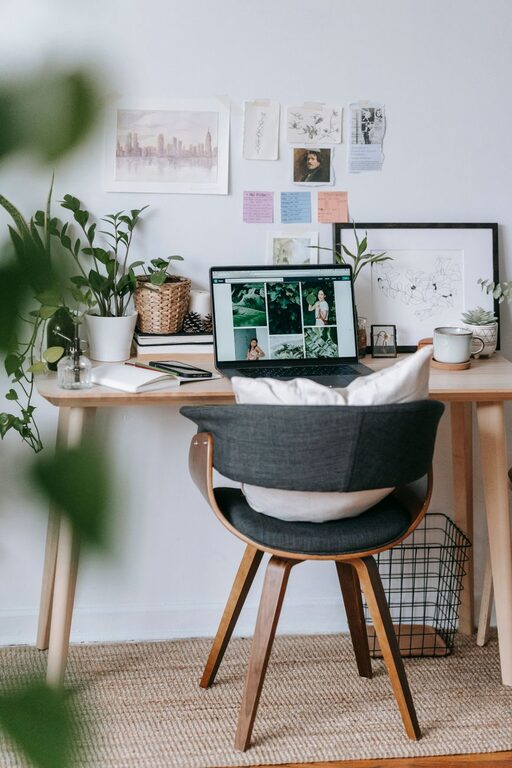
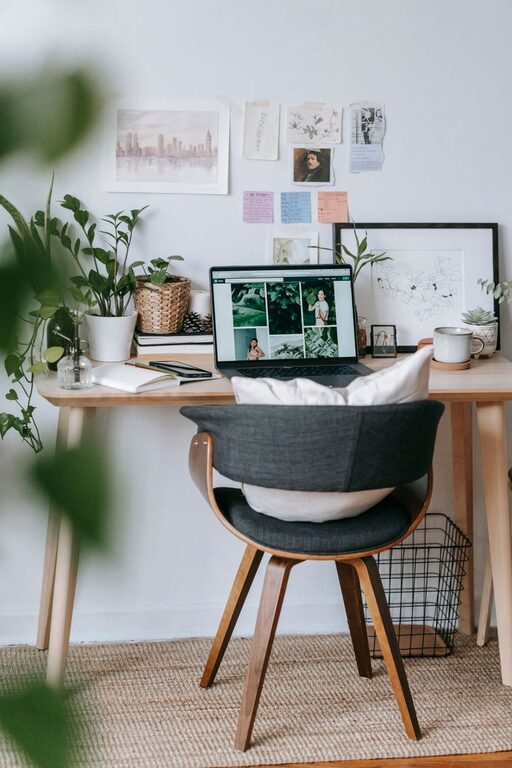
Keep your desk clutter-free, with essential items like your computer, notepad, and pens within easy reach. A clean and organized workspace reduces distractions.
Personalize Your Space
Add Cozy Elements
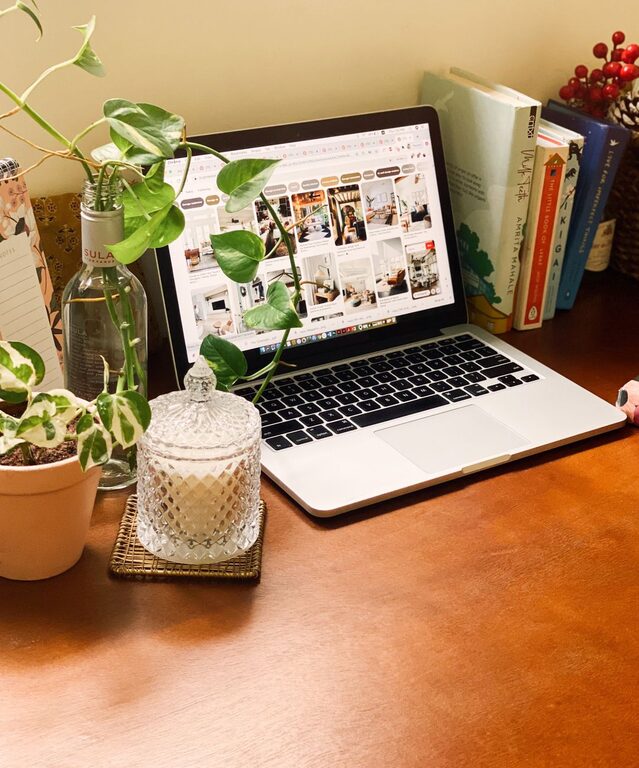
Incorporate soft textures with cushions, rugs, or blankets. Plants also add a touch of nature and improve air quality, which can uplift your mood.
Use Calming Colors
Colors can influence your mindset. Soft blues, greens, or neutral tones create a calm environment conducive to focused work.
Organize Efficiently
Storage Solutions
Use shelves, filing cabinets, or drawer organizers to keep papers and supplies tidy. Labeling items helps you find what you need quickly.
Digital Organization
Keep your computer desktop clean and use folders to store files logically. This saves time and reduces digital clutter.
Manage Technology and Accessories
Reliable Equipment
Ensure your computer, printer, and internet connection are fast and reliable. Technical issues can disrupt your workflow and cause frustration.
Cable Management
Use cable clips or boxes to keep cords organized and out of sight. A tidy setup is visually inviting and safer.
Create Boundaries Between Work and Home
Set Work Hours
Define specific working hours to maintain a routine and avoid burnout. Communicate these boundaries with family members or roommates.
Visual Separators
If your workspace is part of another room, use screens or furniture to create a visual divide between work and personal spaces.
Incorporate Break Areas
Comfortable Seating
Include a small lounge chair or corner where you can take short breaks to relax and recharge.
Refreshments Station
Keep a water bottle or a small coffee machine nearby to stay hydrated and energized.
Enhance Productivity with Tools and Techniques
Task Management
Use planners, apps, or to-do lists to organize tasks and prioritize your work. This keeps your day structured and focused.
Minimize Interruptions
Turn off non-essential notifications and inform household members of your schedule to reduce interruptions.
Maintain Your Workspace
Regular Cleaning
A clean workspace prevents buildup of dust and clutter. Dedicate a few minutes at the end of each day for tidying your office.
Update Occasionally
Refresh your office décor and setup from time to time to keep the space inspiring and avoid monotony.
—
By taking these steps, you can create a home office that feels inviting and supports your productivity. Remember, the best workspace reflects your personal style and meets your work needs. With some thoughtful planning and organization, your home office can become a place where you enjoy working every day.