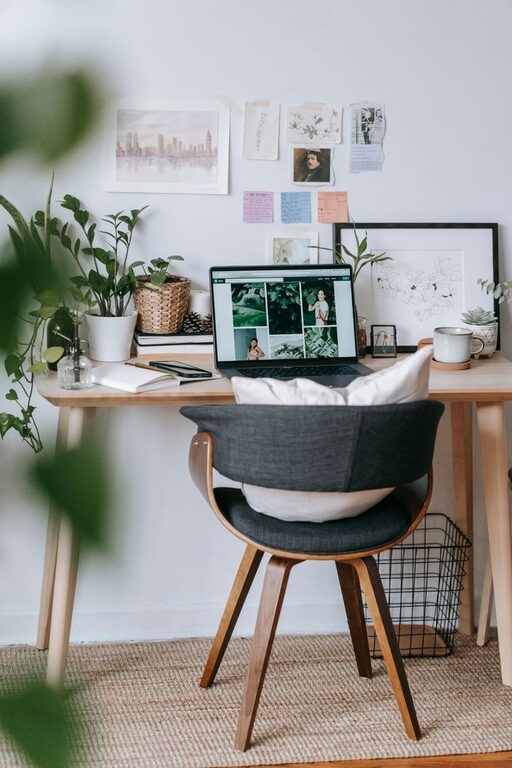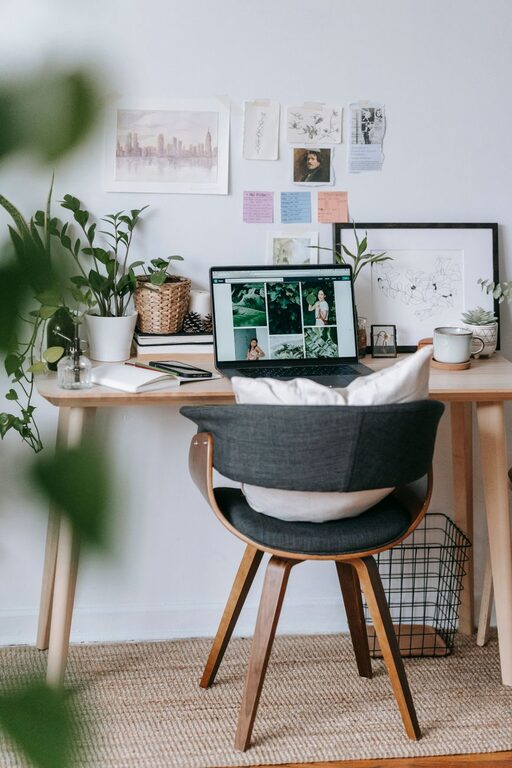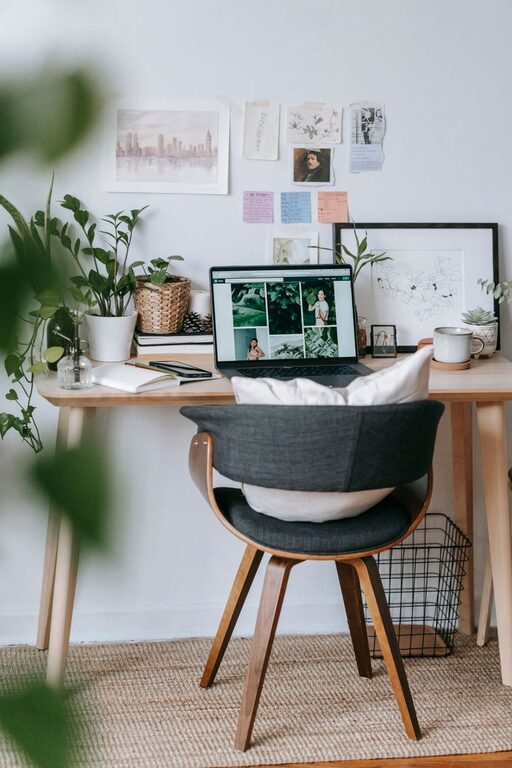







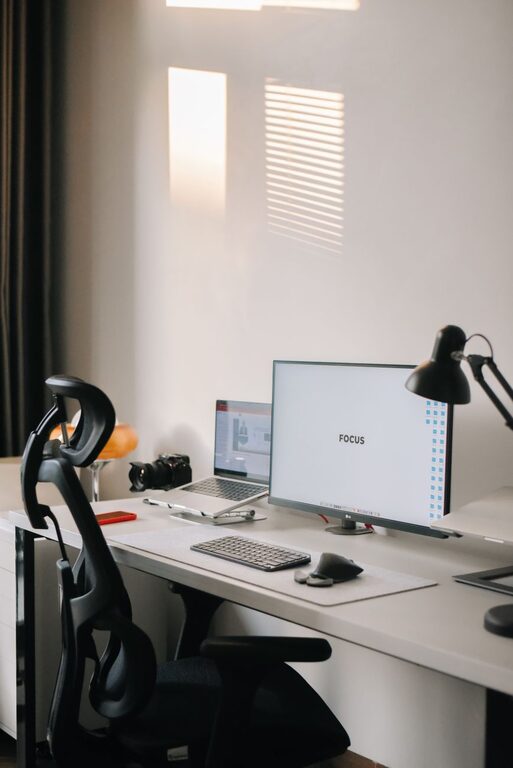
Setting up a well-organized home office is essential for staying productive and maintaining a healthy work-life balance. Whether you have a dedicated room or a small corner for your office, organizing your workspace effectively can help reduce distractions and make your workdays smoother. Here are practical tips to help you organize your home office for maximum productivity.
1. Choose the Right Location
The first step in creating a productive home office is selecting a suitable location. Ideally, this should be a quiet spot with minimal interruptions and good natural light. Avoid high-traffic areas where noise and distractions are common.
If space is limited, consider a multipurpose area such as a section of your bedroom or living room, and use room dividers or screens to create separation.
2. Invest in Functional Furniture
Comfort and functionality go hand in hand. Choose a desk that fits your workflow—enough surface area for your computer, documents, and other tools. Pair it with an ergonomic chair that supports good posture to prevent back and neck strain.
Adjustable furniture, like standing desks or height-adjustable chairs, can add flexibility to your workspace and help you stay comfortable throughout the day.
3. Declutter Regularly
Clutter can be distracting and hinder focus. Make a habit of clearing your desk at the end of each day. Keep only essential items within reach, such as your computer, notepad, and writing tools.
Designate storage solutions like drawers, shelves, or filing cabinets to keep paperwork and supplies organized but out of sight.
4. Use Storage Solutions Efficiently
Organize your storage to make it easy to find what you need:
– Drawer organizers: Separate small items like pens, paper clips, and sticky notes.
– Vertical storage: Use wall-mounted shelves or pegboards to save desk space.
– Filing systems: Use labeled folders or trays for paperwork that requires action or reference.
– Storage boxes: Store seldom-used items neatly without cluttering your immediate workspace.
5. Manage Cables and Electronics
Cables can create visual clutter and sometimes become tripping hazards. Use cable ties, clips, or under-desk trays to bundle and route cables neatly. Wireless devices like keyboards, mice, and printers can also reduce cable mess.
Position electronics so that cords don’t interfere with your working area or movement.
6. Optimize Lighting
Good lighting reduces eye strain and enhances mood. Position your desk near a window to make the most of natural light. Supplement with adjustable task lighting, such as a desk lamp, to ensure adequate illumination during darker hours.
Choose bulbs with a daylight temperature (approximately 5000K) for a bright and focused feel.
7. Personalize with Intention
Adding personal touches can make your office inviting, but keep it balanced to avoid distractions. Use plants, artwork, or motivational quotes that inspire you.
Keep decorations minimal and meaningful so your space stays serene and work-focused.
8. Plan Your Workflow Zones
If space allows, create zones for different tasks. For example:
– Computer zone: Desk with your computer and primary work tools.
– Reference zone: Shelves or filing cabinets for books and documents.
– Creative zone: Whiteboard, bulletin board, or space for brainstorming.
Zoning helps you switch tasks smoothly and maintain an organized environment.
9. Establish a Cleaning Routine
Regularly dust, vacuum, and sanitize your workspace to keep it fresh and inviting. Clean spaces contribute to clear thinking and reduce allergens.
Set a weekly or biweekly schedule to maintain cleanliness without overwhelming yourself.
10. Use Digital Organization Tools
Consider using apps and software to reduce physical clutter. Scan important documents and store them digitally to save space. Use task management apps to keep your work organized and deadlines visible.
Backing up important files regularly also prevents data loss.
—
Final Thoughts
Organizing your home office is an ongoing process that adapts with your needs. Start with small changes and gradually build a workspace that supports your productivity and comfort. By prioritizing organization, comfort, and intentional decoration, you can create an inspiring home office that helps you achieve your best work every day.